Samsung claims the Samsung Galaxy low light camera can “see in the dark.” But at what cost? From motion blur to the “watercolor effect,” here is the honest truth.
Samsung Galaxy Low Light Camera Review: Is “Nightography” a Gimmick?
The advertisement shows a perfect city street. The neon signs are crisp. The shadows are deep. The model is smiling, perfectly frozen in time. Then you buy the phone. You take a picture of your cat in the living room. You get a blurry ghost.
Darkness plays by its own rules. Samsung gives it a name: “Nightography.” They market the Samsung Galaxy low light camera as a superpower, claiming shadows can simply be switched off. But physics is not optional. At BinarySpur, we don’t care about the marketing buzzwords. We care about the raw file. Does the Galaxy actually see in the dark, or is it just painting over the truth with AI?
The “Night Mode” Reality “Night Mode” is not magic; it is Computational Photography. The camera takes 10-20 photos in a split second at different exposures (some bright, some dark). The processor then stitches them together to increase Dynamic Range and reduce noise.
The Trade-off: This takes time. Time equals motion blur.
Quick Summary: The Good & The Ugly
The Strength: Static Objects. If you photograph a building, the Galaxy is the king of brightness.
The Weakness: Motion. If your subject moves (kids, pets), the photo is ruined.
The Processing: Aggressive. Samsung tends to turn night into day, killing the mood.
1. The “Daylight” Trick (Turning Night into Day)
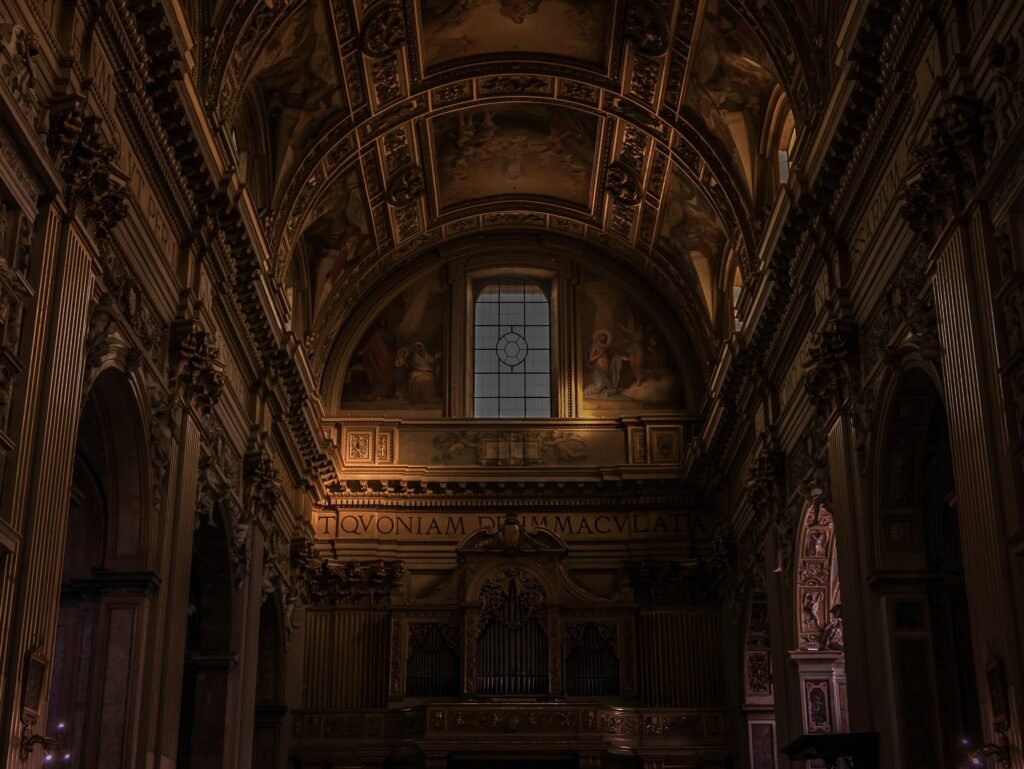
A shadowy bar scene fills the frame. Cool tones set the vibe. You take the shot. You look at your screen. Suddenly, everything glows like midday.
The Issue: Samsung’s algorithm is terrified of darkness. It aggressively lifts the shadows by cranking up the ISO sensitivity in post-processing.
-
Result: You can see everything in the corner, but the photo looks fake. It looks like a video game render, not a photograph. Realism fades fast.
-
The Fix: Tap the screen to focus, then drag the brightness slider DOWN. Force the camera to respect the shadows.
2. The Shutter Lag Problem (Why Parents Hate It)
This is the dirty secret of the Galaxy series compared to the iPhone (see our [iPhone vs Samsung Battery Comparison] for more hardware differences). Shutter Lag.
You press the button. The phone thinks for a millisecond. The shutter fires. In bright sunlight, you don’t notice. In low light, that millisecond becomes a tragedy. If you are photographing a statue, it’s fine. If you are photographing a laughing child or a dog running, you will miss the shot.
-
Comparison: The iPhone and Pixel prioritize “Zero Shutter Lag.” Samsung prioritizes “Brightness.”
3. The “Watercolor” Effect (Noise Reduction)
Zoom in on that low-light photo. Look closely at the skin texture or the fabric of a coat. Does it look like skin? Or does it look like a painting?
The Science: Low light creates “noise” (grain). To fix this, Samsung applies aggressive Noise Reduction (NR). It smooths out the grain. But the AI cannot tell the difference between “grain” and “pore texture.” So it smooths everything. The Result: Faces look waxy. Details get smeared. It looks great on Instagram (small screen), but terrible on a monitor.
4. The 100x Space Zoom (The Moon Trick)
You point it at the moon. It zooms in 100x. You see craters. You are amazed. Don’t be.
This is the most controversial part of Samsung’s low-light kit. The phone recognizes you are looking at the moon. It then uses AI to enhance the texture of the craters based on a database of moon images. Is it a cool party trick? Yes. Is it a photograph? Debatable. It is closer to a composite image.
Final Thoughts: The Tripod King
If you are a landscape photographer? If you take pictures of city skylines, architecture, or empty streets? The Samsung Galaxy is incredible. It pulls color out of the void that the human eye cannot see.
But if you are a parent? If you want to capture a candid moment at a birthday party? Be careful. The “Nightography” might just give you a bright, colorful blur. (Not sure if you need a Pro model? Read our guide on [How to Choose the Right Smartphone] to decide.)
Frequently Asked Questions
Can I fix the shutter lag?
Yes, partially. Download the “Camera Assistant” app (from Samsung’s Good Lock store). Turn on “Quick Tap Shutter.” This forces the camera to take the picture the instant your finger touches the glass, not when you lift it. It helps, but it doesn’t solve the physics of low light.
Is the S24 Ultra better than the S23 Ultra in low light?
Marginally. The sensor size is similar. The main difference is the AI processing speed. The S24 processes the “Night Mode” faster, meaning you don’t have to hold your hand steady for as long.
Why does video look worse than photos in the dark?
Photos use “long exposure” (gathering light over time). Video captures 30 or 60 frames per second. There is no time to gather light. Samsung video tends to be noisier than iPhone video because Apple’s sensor readout speed is faster.
Why do my night photos have long, weird streaks of light?
You probably have a Lens Protector installed. You paid $1,200 for precision-engineered glass, and then you covered it with a $5 piece of cheap plastic. That plastic catches stray light and creates “flare” or “ghosting.”
-
The Fix: Rip it off. The camera glass is harder than the protector. You are ruining your photos to protect against a scratch that will likely never happen.
Should I use the LED Flash?
Almost never. The flash on a phone is located too close to the lens. This creates the “deer in the headlights” look—flat light, red eyes, and harsh shadows.
-
The Only Exception: If you are scanning a document or looking for keys under a couch. For photography? Keep it off.
Can I install “GCam” (Google Camera) on my Samsung?
Yes, and you should. GCam is a hacked version of the Pixel’s camera software made to run on other phones. It usually handles motion and skin tones much better than Samsung’s stock app.
-
The Warning: It is not on the Play Store. You have to find the specific “APK” file for your model on forums (like XDA). It is for power users only, but the results are often superior to the native camera.
Have Any Question? Feel Free TO Ask: