Most wearables are expensive distractions. The BinarySpur guide reveals the only wearable tech that actually protects your spine, eyes, and focus at work.
Practical Wearable Tech for Office Workers (Tools vs. Toys)
At 9:00 AM, you take your seat. Two hours later, pain climbs up your spine. Come lunchtime, a sharp heat stings behind your eyes. By 4:00 PM, you have been interrupted 50 times by the device buzzing on your wrist.
The tech industry wants to sell you “Smart” everything. Smart rings, smart badges, smart belts. Most of it is junk. It adds data without adding value. The whole scene feels crowded. At BinarySpur, we believe effective wearable technology for desk jobs should be invisible. It should fix a problem (posture, focus, silence) without demanding your attention—much like choosing the right [[smartphone for your needs]] means ignoring the hype.
Here is the only wearable tech that actually belongs in a cubicle.
The “Passive” Rule If a wearable requires you to tap a screen every 10 minutes, it is not a productivity tool; it is a distraction machine. The best office wearables are passive. They monitor your spine, block noise, or filter light without you touching them.
Quick Summary: The Survival Kit
The Wrist: A smartwatch, but only if you disable notifications.
The Ears: Bone conduction glasses (for discreet audio) or ANC Headphones (for silence).
The Spine: A posture trainer (because you are definitely slouching).
1. The Smartwatch (The Notification Trap)
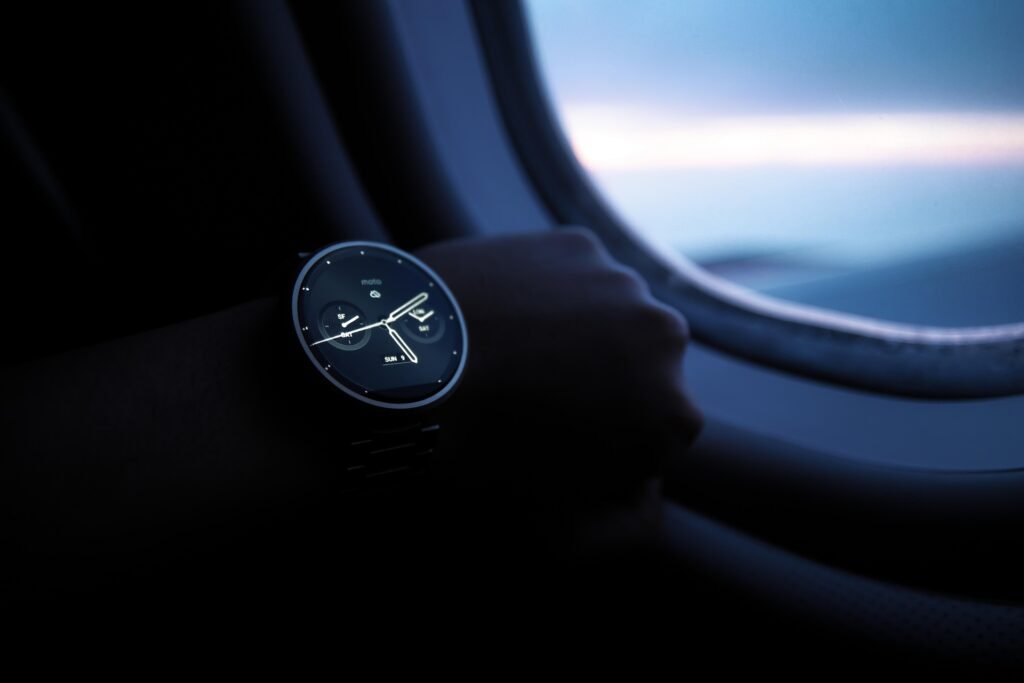
Most people wear a smartwatch wrong. They treat it like a second phone. It buzzes when you get an email. It buzzes when you get a “Like.” This is a productivity killer. It takes 23 minutes to regain deep focus after an interruption. Your wrist is interrupting you every 4 minutes.
The BinarySpur Configuration: Buy an Apple Watch or Galaxy Watch (curious about Galaxy hardware? Read our [[Samsung Low Light Camera Review]]), but strip it down.
-
Turn OFF: All email, social media, and news alerts.
-
Turn ON: “Stand” reminders and “High Heart Rate” stress alerts.
-
Why: You want a device that tells you when your body is failing (sitting too long), not when your boss is emailing.
2. Audio Glasses (The Invisible Headphone)
Wearing headphones in an open office signals “Do Not Disturb.” But sometimes, you need to hear your surroundings while listening to a meeting. Enter Smart Audio Glasses (like Ray-Ban Meta or Amazon Echo Frames).
The Tech: They use tiny speakers directed at your ear (Open-Ear Audio). You can hear the audio perfectly, but the person next to you hears nothing.
-
The Use Case: Taking a Zoom call while walking to get coffee. Listening to white noise without blocking your ears.
-
The Benefit: You look like you are wearing normal glasses. You are secretly connected.
3. The Slouch Sensor (Upright Go)
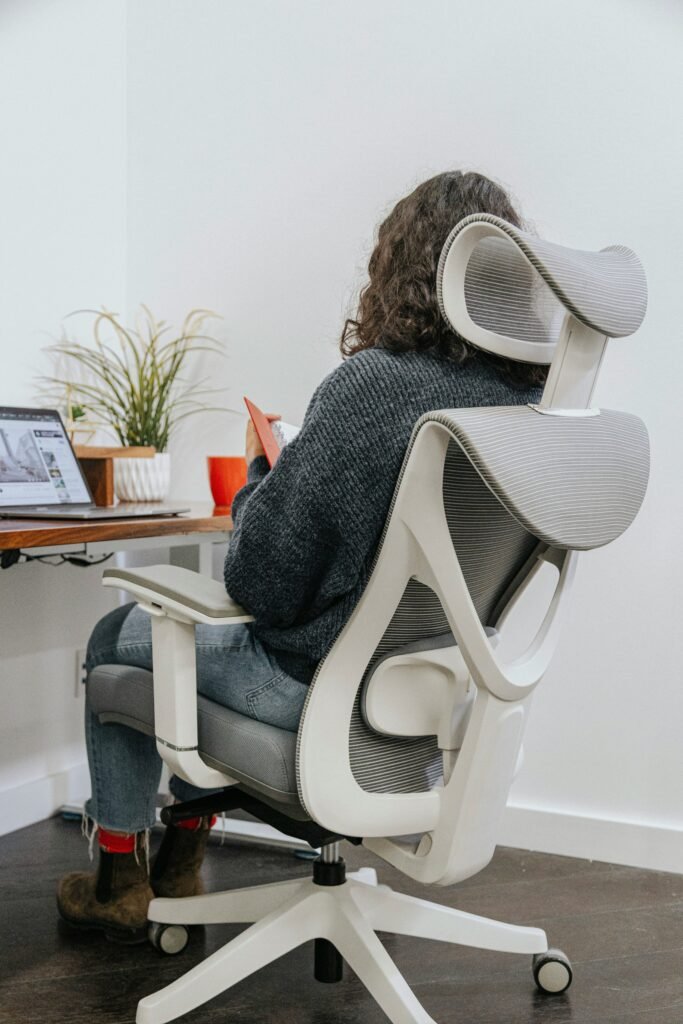
Human beings were not designed to sit in a Herman Miller chair for 8 hours. We slouch. Our shoulders roll forward. This causes “Tech Neck” and tension headaches.
The Solution: A small adhesive device (like the Upright Go) that sticks to your upper back. It contains a gyroscope. When you slouch, it uses haptic feedback (a gentle vibration) to alert you.
-
Why it works: It doesn’t force you straight; it trains your brain. After 2 weeks, you stop slouching automatically because you anticipate the buzz. It is annoying, but it works.
4. Smart Rings (The Silent Tracker)
If you hate the idea of a screen on your wrist, get a Smart Ring (Oura or Samsung Galaxy Ring).
The Value: It has no screen. It has no buttons. It produces no notifications. It simply tracks your Sleep and readiness score using biometric sensors.
-
Why for Office Workers? It tracks your “Stress” levels throughout the day. You can look at the data at 5 PM and see exactly which meeting caused your heart rate to spike. It is data without distraction.
Final Thoughts: Don’t Be a Cyborg
The goal is not to cover yourself in sensors. The goal is to solve physical pain.
-
If your back hurts: Get a Posture Trainer.
-
If you are distracted: Get Noise Cancelling Headphones.
-
If you are sedentary: Get a Smartwatch (on mute).
Buy the tool that fixes your specific pain. Ignore the rest.
Frequently Asked Questions
Do blue light glasses actually work?
The science is mixed. While they block blue light, digital eye strain is usually caused by not blinking enough, not the light itself. However, if wearing them reminds you to focus and blink, they are a harmless tool.
Are bone conduction headphones good for the office?
Yes. Unlike noise-cancelling headphones, bone conduction (like Shokz) leaves your ear canal open. This means you can hear your boss calling your name while still listening to music. They prevent the “startle” effect of someone tapping your shoulder.
Is a standing desk better than a wearable?
Yes. A standing desk solves the root cause (sitting). A wearable just reminds you to stand. If you have the budget, buy the desk first. If you are stuck in a cubicle, buy the wearable.
Have Any Question? Feel Free to Ask: