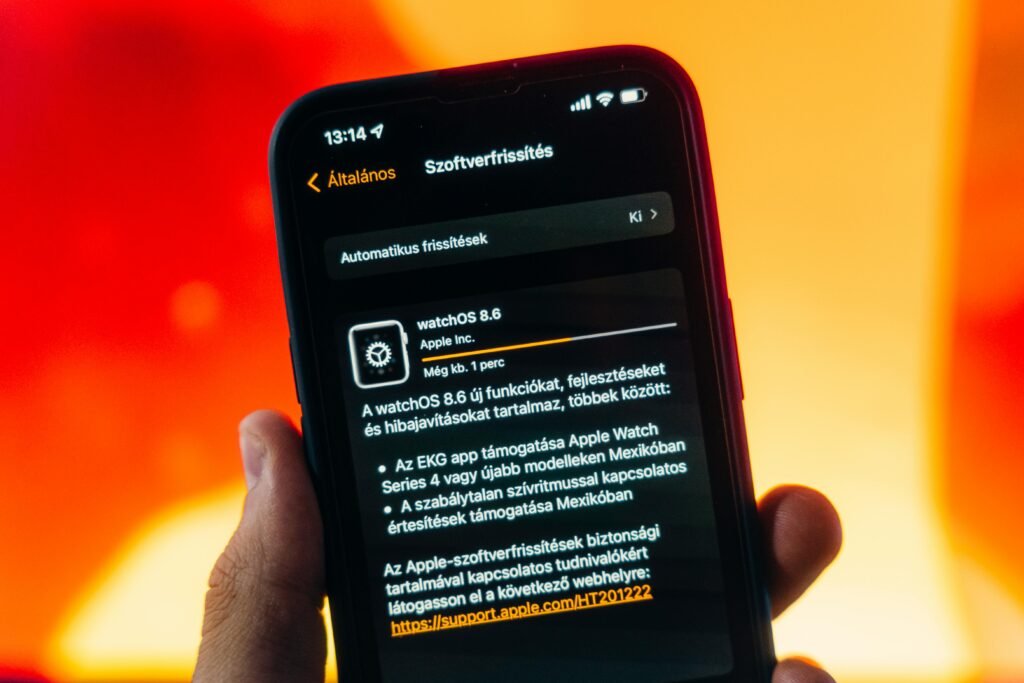
Do updates really slow down your phone? Here is the truth behind software updates—why ignoring them is dangerous, the reality of “planned obsolescence,” and when to wait.
The Truth Behind Software Updates: Security Patches or Planned Obsolescence?
“Remind Me Later” is the most dangerous button on your computer. You think you are saving time; you are actually leaving your front door unlocked.
We all hate them. You sit down to work, and Windows demands a restart. You pick up your phone, and the interface has changed again. It feels like tech companies are just messing with us. Or worse, that they are purposely slowing down our old devices to force us to buy new ones. Is “Planned Obsolescence” real? Sometimes. Is that why updates exist? No.
When you understand the truth behind software updates, they stop feeling like interruptions and start feeling like protection. We find that 90% of the code isn’t about new emojis or cool features. It is about patching holes that hackers have already found.
Quick Answer: What Do Updates Actually Do?
1. Security Patches (The Critical 90%): Developers find a “backdoor” in the code that hackers are using to steal data. The update closes that door.
2. Feature Drops (The Fun 10%): New menus, icons, or tools. These are the “sugar” to get you to take the “medicine” (security patches).
3. Optimization: Code gets cleaner over time. Updates often improve battery life, contrary to popular belief.
The “48-Hour” Update Rule
Security Update (e.g., iOS 17.2.1): Install IMMEDIATELY. This fixes a known hack.
Major OS Update (e.g., iOS 18.0): Wait 48 hours to 1 week. Let other people find the bugs and battery drains first.
When You Should Delay an Update
Major OS update released today (Wait 48 hours for bugs to surface).
At BinarySpur, we treat updates like vaccines. They are annoying, but the alternative is sickness. Here is the breakdown of what really happens when your screen goes black and the progress bar starts.
1. The “Zero-Day” Threat (Why You Can’t Wait)
Imagine a thief finds a key that opens every Ford Explorer in the world. Ford rushes to change the locks. That is a software update. Hackers find vulnerabilities called “Zero-Days“ (meaning the company has had zero days to fix it). They sell these exploits on the dark web. When Apple or Microsoft releases a sudden, small update, it usually means the exploit is active. Ignoring it means your device stays exposed to a vulnerability that is already known and actively exploited.
2. The “Planned Obsolescence” Myth vs. Reality
Do companies slow down phones on purpose? The infamous case: In 2017, Apple admitted to slowing down older iPhones. The Truth: They weren’t trying to force you to buy a new phone; they were trying to stop your old battery from crashing. As batteries age, they can’t handle peak power. The software “throttled” the speed to keep the phone alive. The Reality Check: New software is heavier. Running 2026 software on 2021 hardware will naturally feel slower, just like putting a Ferrari engine in a Honda Civic. It’s not a conspiracy; it’s physics. (If your device feels sluggish after an update, check if your storage is full—switching to a faster drive might help. See [[SSD vs HDD: Which Is Faster for Daily Use?]]).
3. The “Brick” Risk (Why We Fear Updates)
We fear updates because we have all had that one update that ruined everything.
-
The “Brick”: The update fails, and your device won’t turn on.
-
The “Battery Drain”: You update, and suddenly your phone dies at 2 PM. Why this happens: After a major update, your device has to “re-index” all your files in the background. This burns battery for about 24-48 hours. The Fix: Don’t panic. Give it two days. If it’s still bad, then it’s a bug. (To maximize battery life while your phone re-indexes, follow the background app tips in [[Phone battery draining too fast — how to fix]]).
Real-Life Micro-Story: The “WannaCry” Ransomware
“In 2017, the ‘WannaCry’ virus shut down hospitals across the UK. Doctors couldn’t access patient files. Surgeries were cancelled. The Tragic Part: Microsoft had released a patch for the vulnerability two months earlier. The hospitals hadn’t installed it because they didn’t want to disrupt their workflow. The Lesson: The cost of downtime for an update is minutes. The cost of ignoring it can be lives (or your entire hard drive).”
Final Thoughts: It’s Digital Hygiene
Knowing the truth behind software updates changes how you see that annoying notification. It isn’t a nuisance. It is a shield. The next time your phone asks to update at night, don’t tap “Remind Me Later.” Tap “Install Tonight,” plug it in, and sleep soundly knowing your digital doors are locked.
(If an update ever goes terribly wrong and crashes your PC, don’t panic—you can use the rescue stick we built in [[How to Create a Bootable USB Drive]] to fix it).
Frequently Asked Questions
Do updates delete my photos?
No. Updates change the operating system files, not your personal user data. However, accidents happen (power loss during install). This is why having a backup is mandatory before any major update.
Why do updates take so long?
Verification. The device isn’t just copying files; it is unpacking them, verifying the cryptographic signature (to ensure it’s not a fake virus-update), and rewriting the core code of the machine. It is performing brain surgery on itself while awake.
Should I turn on “Automatic Updates”?
For casual users, Yes. The risk of forgetting a security patch is higher than the risk of a bad update. For “Power Users,” you might want to set it to “Notify to Download” so you can wait that 48-hour safety window before installing.