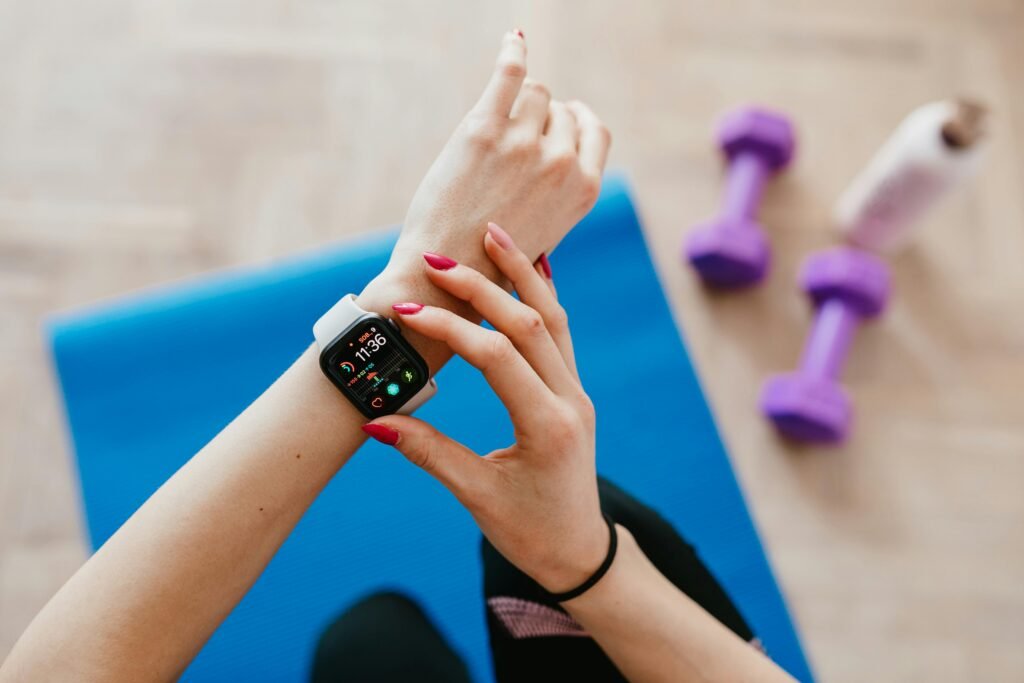
Don’t buy a glorified pedometer. Here is exactly how to select a smartwatch for fitness based on sensor accuracy, battery life, and your phone’s ecosystem.
How to Select a Smartwatch for Fitness: GPS, Sensors & The “Ecosystem Trap”
Most people buy a smartwatch because it looks cool, only to realize two weeks later that it dies during a 5K run or thinks they are sleeping when they are watching a movie.
If you are looking for a wrist companion, you have a choice to make: Do you want a Smartwatch (a tiny phone on your wrist) or a Sport Watch (a data collection tool)? You usually cannot have both without major compromises. A true smartwatch (like the Apple Watch) has a beautiful screen but terrible battery life. A true sport watch (like a Garmin) looks like a calculator but runs for 20 days.
Professional endurance athletes prioritize battery life and sensor reliability over screens and smart features—because data loss ruins training blocks.
When asking how to select a smartwatch for fitness, you need to ignore the “Wellness Score” marketing and focus on the hardware reality: GPS accuracy, sensor lag, and battery life.
Quick Answer: The 3-Tier Rule
1. The “Lifestyle” Athlete (Casual): You want to close rings and read texts.
Pick: Apple Watch (iPhone) or Samsung Galaxy Watch (Android).
Trade-off: You must charge it every night.
2. The “Data” Runner (Serious): You care about pace, splits, and heart rate zones.
Pick: Garmin Forerunner or Coros Pace.
Trade-off: The screen isn’t as pretty, but it lasts 14 days.
3. The “Off-Grid” Pro (Extreme): You hike, climb, or run ultras.
Pick: Garmin Fenix or Apple Watch Ultra.
Trade-off: Heavy, expensive, and bulky.
Quick Buyer Cheat Sheet
iPhone + Gym Workouts: Apple Watch
Android + Gym Workouts: Samsung Galaxy Watch
Outdoor Running (Data Focus): Garmin Forerunner / Coros Pace
Hiking / Ultra / Battery Anxiety: Garmin Fenix
Want Both Ecosystems: Garmin / Fitbit
At BinarySpur, we test tech on the pavement, not just on paper. Here is the engineer’s guide to buying a wearable that actually works.
1. The “Ecosystem Trap” (Read This First)
Before you look at features, look at your phone.
-
If you have an iPhone: You cannot use a Samsung Galaxy Watch. It won’t pair.
-
If you have an Android: You cannot use an Apple Watch. It is a paperweight.
-
The Loophole: Third-party brands like Garmin, Fitbit, and Amazfit are “Switzerland.” They work with both phones perfectly. (For deep-dive comparisons on these brands, check DC Rainmaker’s Product Comparison Calculator).
2. The Sensor Reality: Optical Heart Rate vs. Chest Straps
Every watch claims to track heart rate. Most of them lie during high intensity. Optical sensors (the flashing green lights) struggle with HIIT or Weightlifting. When your arm flexes rapidly, the sensor loses contact with blood flow. The Fix: If you are serious about heart rate training, ensure the watch supports Bluetooth Chest Straps. (If you are tracking fitness to manage energy levels throughout the day, check our guide on [[Phone battery draining too fast — how to fix]] and apply those same background-app principles to your watch settings).
3. GPS: Look for “Multi-Band”
If you run in a city with tall buildings or a forest with trees, standard GPS fails. It will show you running through a building or swimming in a river. When selecting a watch, look for “Multi-Band” or “Dual-Frequency” (L1 + L5) GNSS. This allows the watch to lock onto two satellite frequencies at once, triangulation your position within 2 meters, even in downtown Manhattan.
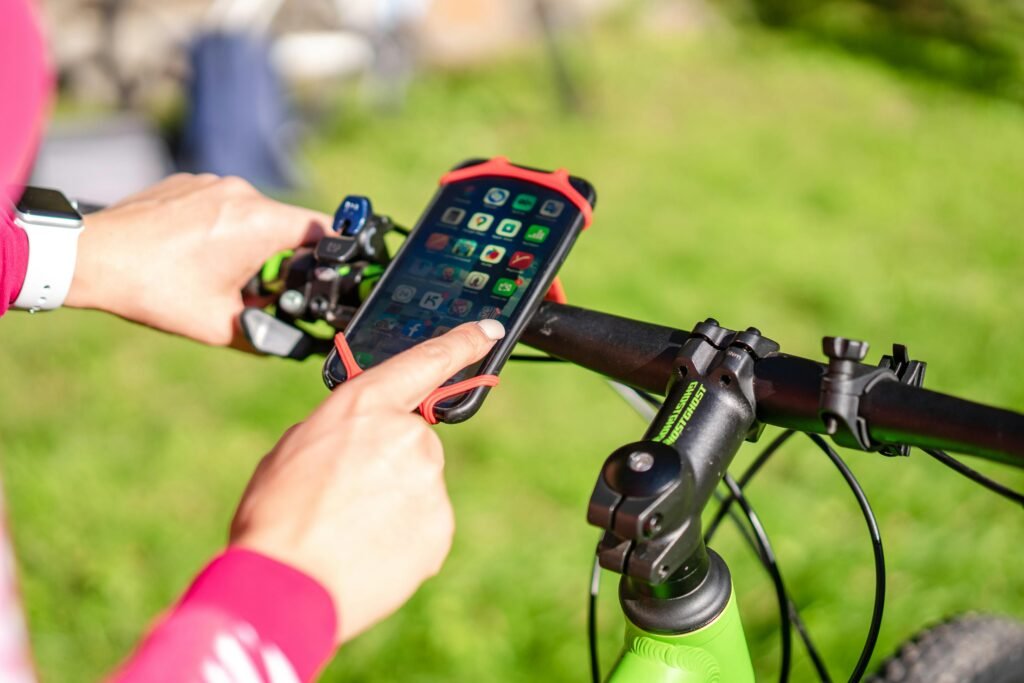
4. The Display Dilemma: AMOLED vs. MIP
This is the main reason for battery anxiety.
-
AMOLED (Like your Phone): Bright, colorful, beautiful. Used by Apple and Samsung.
-
Problem: Eats battery. Unreadable in direct, harsh sunlight unless max brightness is on.
-
-
MIP (Memory-in-Pixel): Looks dull indoors. Used by Garmin and Coros.
-
Benefit: Reflects sunlight. The brighter the sun, the easier it is to read. Uses almost zero power.
-
Verdict: If you exercise outdoors, MIP wins. If you exercise in a gym, AMOLED wins.
-
Real-Life Micro-Story: The “Marathon” Fail
“I trained for 4 months for a marathon using an old Apple Watch Series 3. On race day, I was using GPS and streaming music to my headphones. At Mile 21, the watch died. The screen went black. I lost my pace, my music, and my morale. I finished, but I had no data. The Lesson: Battery life is a performance feature. If it can’t last the duration of your longest event with GPS on, it’s the wrong tool.”
Final Thoughts: Buy for Your Sport, Not Your Wrist
Knowing how to select a smartwatch for fitness comes down to honesty. Do you want a notification center that counts steps? Get an Apple or Samsung watch. Do you want a training tool that ignores emails and focuses on physiology? Get a Garmin or Coros.
Don’t buy a Ferrari if you need a tractor. And don’t buy a tractor if you want a Ferrari.
(Once you have your new tech set up, you can automate your workout playlists and “Do Not Disturb” modes using our guide on [[iPhone shortcuts everyone should know]]).
Frequently Asked Questions
Is the calorie counter accurate?
No. Studies show smartwatch calorie counters can be off by 20-50%. They are guessing based on your heart rate and height. Use the number as a “relative” trend (did I burn more today than yesterday?), but never use it to calculate exactly how much food to eat.
Do I need LTE on my watch?
Only if you leave your phone at home. If you run or bike without your phone but still want to stream music or call 911 in an emergency, LTE is worth the monthly fee. If you always carry your phone, LTE is a waste of money and battery.
Why does my watch say I’m sleeping when I’m watching TV?
Lack of movement. Most watches determine sleep by accelerometer data (motion). If you sit perfectly still on the couch with a low heart rate (the “zombie” state), the algorithm assumes you are napping.