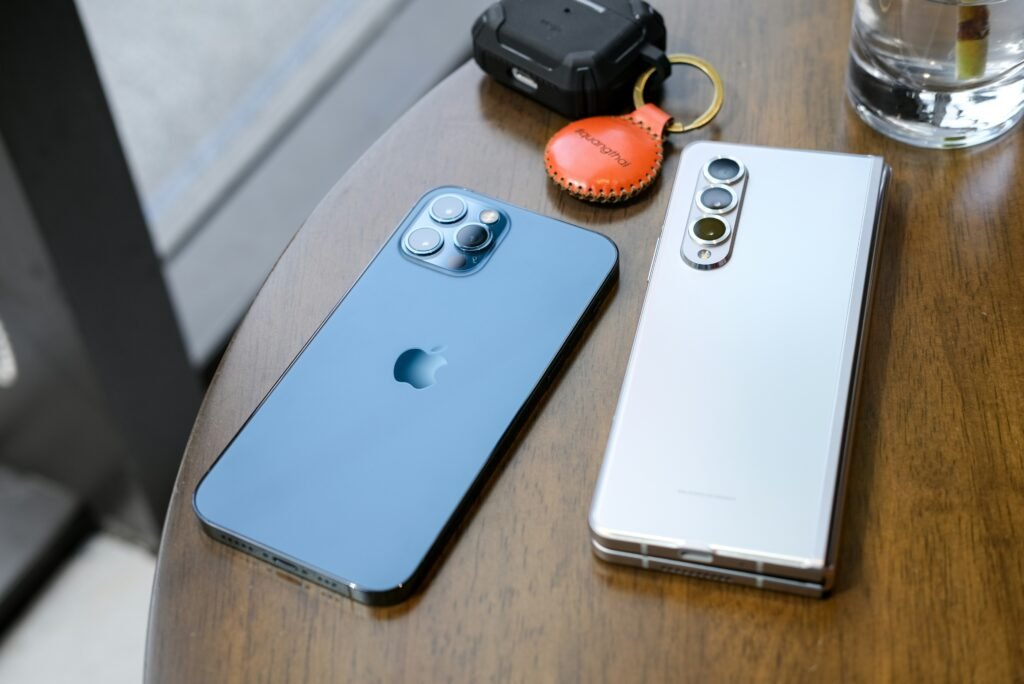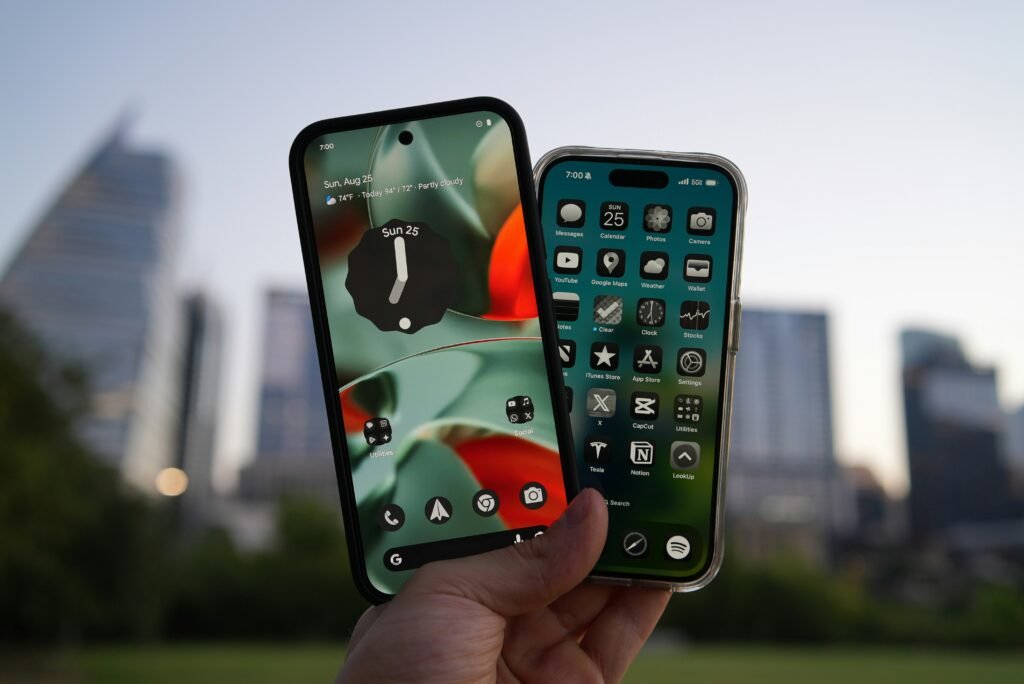
Buying a phone for a non-techie? We compare Android vs iOS usability for beginners using real friction points—back button confusion, notifications, setup stress—so you can choose confidently.
Android vs iOS Usability for Beginners: The Honest Answer Nobody Explains
You are the “tech guy” in your family.
Your mom, your grandpa, or your non-techie friend asks you: “Which phone should I buy?”
If you give the wrong answer, you become their lifetime IT support.
The debate isn’t about specs. Beginners don’t care about RAM or refresh rates.
They care about Cognitive Load.
-
“Where did my photo go?”
-
“Why is the screen dark?”
-
“How do I go back?”
We analyze operating systems based on real-world friction, not marketing promises.
(Note: For this comparison, “Android” refers to mainstream versions like Samsung One UI and Google Pixel—not heavily modified budget skins which introduce their own chaos).
This guide breaks down Android vs iOS usability for beginners using real-world friction, not specs, so you can make the recommendation that stops the angry phone calls.
TL;DR – The Decision Matrix
The “Safety” Winner: iOS (iPhone). It is a “Walled Garden.” You cannot break it because Apple won’t let you touch the engine. Best for people who get overwhelmed easily.
The “Logic” Winner: Android. The universal “Back” gesture and notification management make more sense for people who think linearly.
The Support Factor: If you (the expert) use Android, buy them Android. If you use iPhone, buy them iPhone. Never cross-pollinate ecosystems.
Overall Beginner Winner: iOS — unless the user already lives inside Google services or relies on the universal back gesture.
The core difference: iOS is designed to be “smooth.” Android is designed to be “useful.”
| Feature | iOS (iPhone) | Android |
| Back Navigation | Inconsistent | Universal |
| Icon Safety | Locked Grid | Movable |
| Notifications | Chronological | Grouped & Clear |
| Setup Difficulty | Hard at first | Easier initially |
| Physical Support | Apple Stores | Limited |
| Best for Beginners? | Yes (Most cases) | Depends |
1. Navigation: Android vs iOS Usability for Beginners (The Back Button War)
This is the single biggest usability hurdle for beginners.
iOS (The Scavenger Hunt):
On an iPhone, the “Back” button moves. Sometimes it’s a swipe. Sometimes it’s a tiny arrow in the top left corner (hard to reach). Sometimes it’s a button at the bottom.
-
Pros: Animations are fluid.
-
Cons: High Cognitive Load. The user has to look for the exit door in every new app.
Android (The Muscle Memory):
Android has a Universal Back Gesture. Swipe from either side of the screen, and you go back. It works in Instagram, Chrome, Settings—everywhere.
-
Pros: Once learned (takes 10 minutes), it never fails.
-
Cons: It can interfere with apps that use side-swiping menus.
Beginner Verdict: Android. Consistency beats smoothness.
2. The “Walled Garden” (Safety vs. Freedom)
Apple’s greatest strength for beginners is its restriction.
iOS is a padded room.
-
You can’t accidentally install a virus from a random website (mostly).
-
You can’t accidentally delete the App Drawer.
-
The icons are always in a grid.
Apple’s Human Interface Guidelines prioritize this uniformity.
Android is an Open Field.
-
You can arrange icons anywhere (which means grandma might accidentally drag her “Phone” app into the trash).
-
You can install apps from the web (APK sideloading).
Real-Life Case Study:
I once bought my aunt a mid-range Android because it was cheaper. Two weeks later, she called in a panic because she had accidentally dragged the Phone icon into a folder and couldn’t answer calls.
I switched her to an iPhone. The icons are locked to the grid. The panic calls stopped—literally and figuratively.
Winner for Beginners: iOS.
For a user who clicks “Yes” on every popup, Android is dangerous. iOS protects users from their own bad decisions.
3. Notifications: Chaos vs. Order (Why Beginners Miss Important Alerts)
Beginners get overwhelmed by buzzing.
iOS: Treats notifications like a chronological list. If you get 50 emails, you have a scroll bar that goes on forever. It is visually messy.
Android: Groups notifications intelligently. It bundles emails together. It puts “Silent” notifications at the bottom.
Winner for Beginners: Android.
This is controversial, but Android’s status bar is clearer. It shows you exactly which apps are waiting for you with tiny icons at the top. iOS hides this info until you swipe down.
(Discover other useful Android tweaks in our guide on Hidden Features in Android Phones).
4. The “Tech Support” Factor (Who Fixes It?)
This is the variable nobody talks about.
If the phone breaks, who fixes it?
-
The Apple Advantage: There is a physical store (Genius Bar). You can tell your beginner: “Drive to the mall and ask the guy in the blue shirt.”
-
The Android Reality: There is no “Google Store” in most cities. If a Samsung breaks, you are dealing with carrier support or shipping it away.
(Fixing a software-broken Android can sometimes feel as complex as a Clean Install of Windows—not ideal for beginners).
Winner for Beginners: iOS. The existence of physical support centers is the ultimate safety net for non-techies.
5. The Setup Fatigue (Google vs. Apple ID)
Android requires a Google Account.
Most people already have Gmail. The sync is instant. Photos back up to Google Photos (which is superior to iCloud).
iOS requires an Apple ID.
For a beginner, setting up 2FA, iCloud, and remembering a new password is a nightmare.
However, once set up, iCloud Backups are bulletproof. If they lose their iPhone, they buy a new one, type in their login, and it looks exactly like the old one. Android backups are getting better, but still fragmentation exists.
🧠 Quick User Assessment
Don’t guess. Ask these 3 questions:
-
Do they use a Windows PC or a Mac? (Windows users often find Android file management more logical).
-
Do they get frustrated when things change? (If yes → iOS. It looks the same as it did in 2015).
-
Do they rely on you for help? (Buy them the OS you use so you can troubleshoot blindly over the phone).
Final Thoughts: The Verdict
There is no “best” OS. There is only the best OS for the user’s tolerance.
-
Choose iOS if: The user values consistency, safety, and has access to an Apple Store. It is the “set it and forget it” option.
-
Choose Android if: The user relies on Google services (Gmail/Maps), likes a universal back button, or is on a budget.
When it comes to Android vs iOS usability for beginners, the best choice depends on tolerance, not intelligence. If storage anxiety or slow performance is also a concern, see our guide on How to Free Up Phone Storage Safely.
Ultimately, the best interface is the one that disappears—so the user never feels confused, embarrassed, or dependent on someone else. (This comparison is based on real support calls, setup sessions, and long-term use—not spec sheets or brand loyalty).
Still unsure? Tell us who the phone is for in the comments—we’ll give you a straight recommendation.
Frequently Asked Questions
Is iPhone really easier for seniors?
Generally, yes. The interface is static (icons don’t move unless you move them), and the accessibility features (text size, hearing aid support) are industry-leading. However, some seniors prefer the larger screens and navigation buttons of Samsung’s “Easy Mode.”
Why do people say Android is hard?
Fragmentation. Every Android brand (Samsung, Pixel, Motorola) looks slightly different. If you learn on a Samsung and switch to a Pixel, you have to relearn the menus. iOS is identical on every device.
Which is safer from viruses?
iOS. Apple’s “Walled Garden” approach means you can only install apps from the App Store, which is rigorously checked. Android allows “sideloading,” which gives power users freedom but opens beginners up to malware risks.