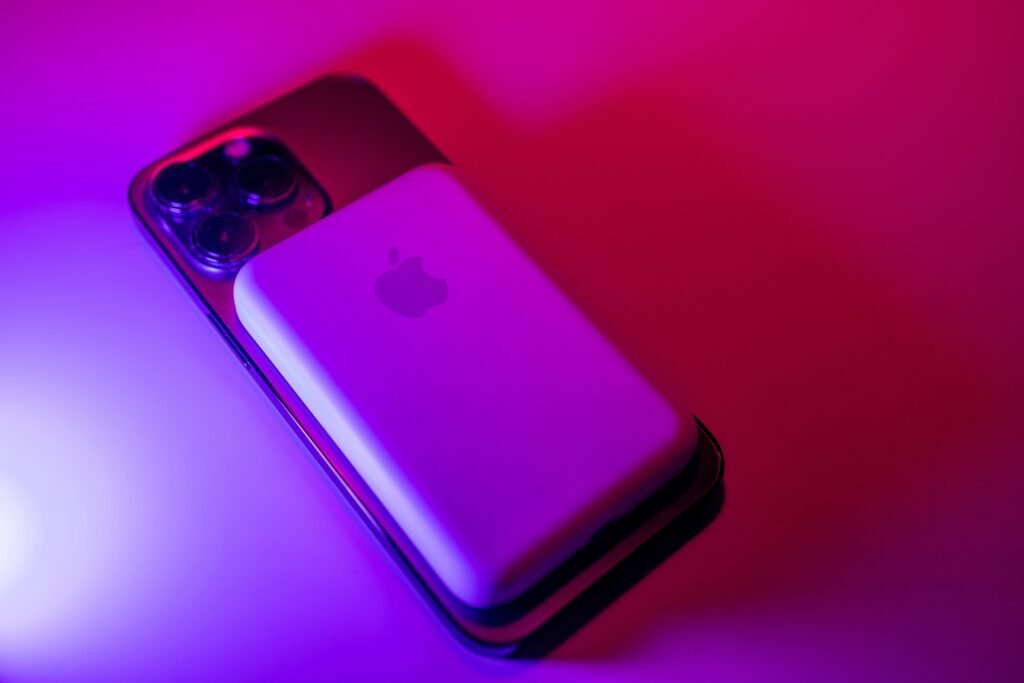
Apple claims "all-day battery," but does it hold up? I tested the latest iPhone for 30 days—heavy 5G use, no battery saver. Here is the brutal truth.
New iPhone Battery Performance: Real-World Test from 7 AM to Midnight
Every fall, when Apple takes the stage, one line shows up without fail: “This is our best battery life ever.”
A picture appears—hikers on a rocky trail, snapping pictures nonstop under an open sky. Twelve hours pass. No power source nearby. Still, each season, we trust the image. The device gets purchased.
But honestly? Those lab results from Apple mean nothing to me. What matters is how things work when I’m actually living them.
Stuck in an Uber past midnight? That moment matters. The battery drops too fast then, and your attention fades just as quickly. One percent here, ten lost there—suddenly half is gone while swiping through clips with no end.
Last month, I pushed the latest iPhone battery to its absolute limits. Not once did I enable battery-saving tricks. The 5G stayed on full time. Pure everyday strain, nothing held back.
This is what really happens when you put it to work—no polish, just facts.
Quick Verdict (TL;DR):
Daily Life: Lasts until ~10 PM with 5G and mixed use.
End of Day: I usually had about 15–20% battery left.
Heavy Users: Gaming or 4K video recording? You’ll be charging before dinner.
Should You Upgrade? Yes if you have an iPhone 12/13. No if you have last year’s model.
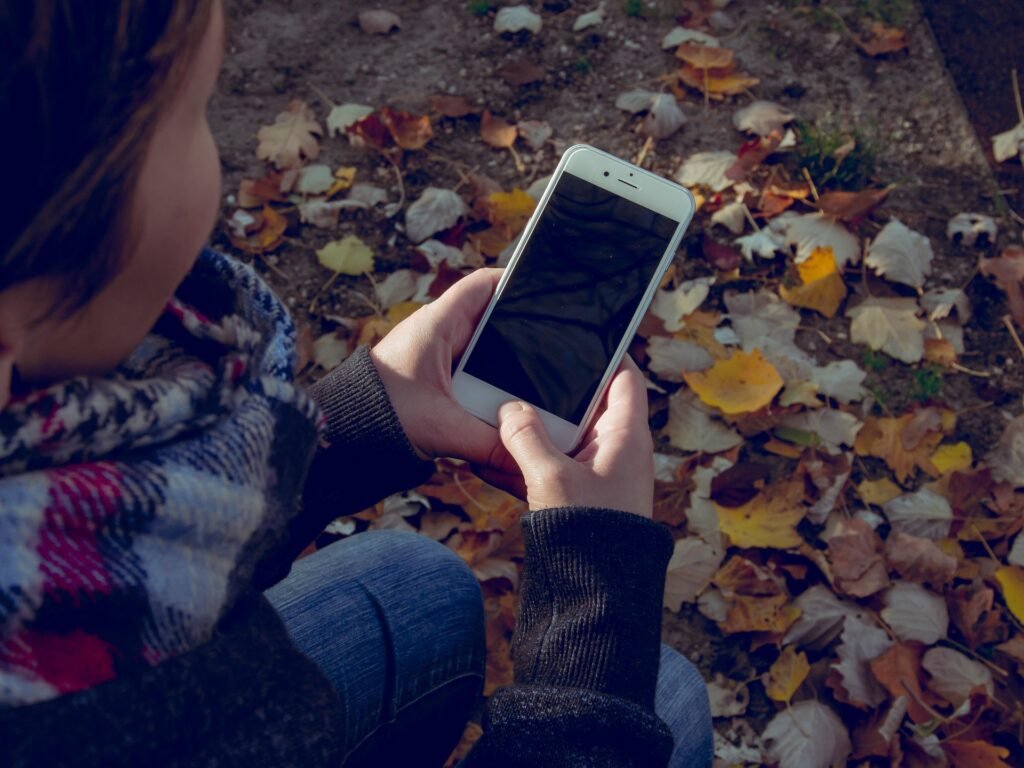
The “7 AM to Midnight” Test: Real World Results
Right off the bat—how about survival past morning? Does it make it through until bedtime without panic?
My Typical Day:
7:00 AM: Sunrise hits. That charger comes out—battery full.
Morning Commute: Sunrise lights up the sky while music flows through the phone. Emails open one after another during the drive. The network stays sharp thanks to 5G running in the background.
Lunch: Sitting down to eat? That is when thirty minutes of gaming begins. Sometimes it is a video instead—same screen-on time either way.
Evening: Screens glow after dark—messages ping back, fingers tap quick replies. A map might open, guiding turns down streets not yet known. Scrolling follows, one post leading to another without a plan.
The Verdict: Most nights, around 10:00 PM, there was still a fifth of the battery (about 20%). Sometimes closer to one in seven (15%).
What about “All Day” battery? Well, sure, if you count technically. Comfortable? Not really. That red battery symbol at 9 PM, far from home—it brings its own kind of tension.
The Silent Killers Behind Fast Battery Drain
One thing stood out right away when I ran these tests—battery drain got way worse in specific situations.
There was more than just one factor behind it. What surprised me most wasn’t what apps were running, but how they behaved in the background. Settings hidden deep inside menus played a big role, too.
Most people won’t see this coming. Apple stays quiet on these details, yet they matter a lot.
1. The “5G” Tax
Fresh air felt sharper on 5G mornings compared to old Wi-Fi times. But it comes at a cost.
Wi-Fi Days: Left me with 30% charge by evening.
5G Days: Dropped to 10%—or stopped altogether.
When the signal struggles, the iPhone’s modem pushes hard. Moving around? Weak spots drain things fast. A hunt for connection turns into heavy work. That effort eats up battery without pause.
2. The Always-On Display
That clock? I like how it shows time without needing to tap my phone. Feels sharp somehow. Truth though: It drains roughly one percent each hour.
Not a huge amount at first glance. Yet across sixteen hours, one in every six charges vanishes—just lighting up a picture on the screen. By the second week, I disabled it. Power lasted noticeably longer right away.
3. The Heat Wave
Warmth shows up now and then on this iPhone. It feels cozy, never painful. But if sunlight pours through the window while driving and GPS runs nonstop—suddenly the power vanishes fast. That warmth? It drains everything slowly. Heat wins every time.

The Degradation Reality: The One-Year Problem
Most reviews skip a key detail right away—Battery Health. It shows up quietly, but it matters more than the fancy specs.
A phone like this surprises at first. After half a year though, things shift. A full year in, users begin to grumble.
One month was all it took—then I looked up my battery’s peak performance. Funny thing—battery health stays perfect, at least right now. But charging it quickly every single evening? That might drop things to 90% capacity after twelve months (You can read more about how chemical aging works on Apple’s official battery page).
Pro Tip: Late-night charging? Skip the full boost. Find “Optimized Battery Charging” under system preferences. Even smarter—set the max at 80%, should your device allow it. Annoying today, sure. Yet years down the line, you’ll notice the difference.
Is It Worth the Upgrade?
Switching from an older phone—say, an iPhone 12 or 13—and stepping into this one? It hits different. Suddenly, everything runs smoother than before. Power doesn’t feel limited anymore; it stretches further than you expect. (Check out our full comparison of the iPhone 12 vs 15 here for more details on the speed difference).
Still on last year’s version? Skip it. Changes feel tiny. Maybe thirty more minutes showing stuff on screen—no magic fix arriving.
Here is what I think. This thing works fine. You can count on it most times. Still, nothing about it feels like sorcery. Toss a cord into your vehicle—it might come in handy later.
Frequently Asked Questions
Does the Pro Max have better battery life? Yes. The Pro Max’s larger body allows for a bigger battery, making it the best choice for heavy daily use compared to the standard model.
Should I close background apps to save battery? No. Closing apps forces the phone to reload them from scratch, which actually uses more power. Let the system manage them automatically.
Why is my battery draining fast after an update? This is normal for about 48 hours. Your phone is re-indexing files in the background. It typically resolves itself within two days.
About the Author What drives the folks behind these reviews? It’s the team at BinarySpur, where lab scores mean little. Real moments matter more—like how a device holds up during a commute, between sips of cold coffee, or while sprawled on a cluttered couch. Our truth comes from use, not charts.
Have Any Question? Feel Free To Ask: